
PayYaar vs Splitwise: Which App Splits Bills Better?
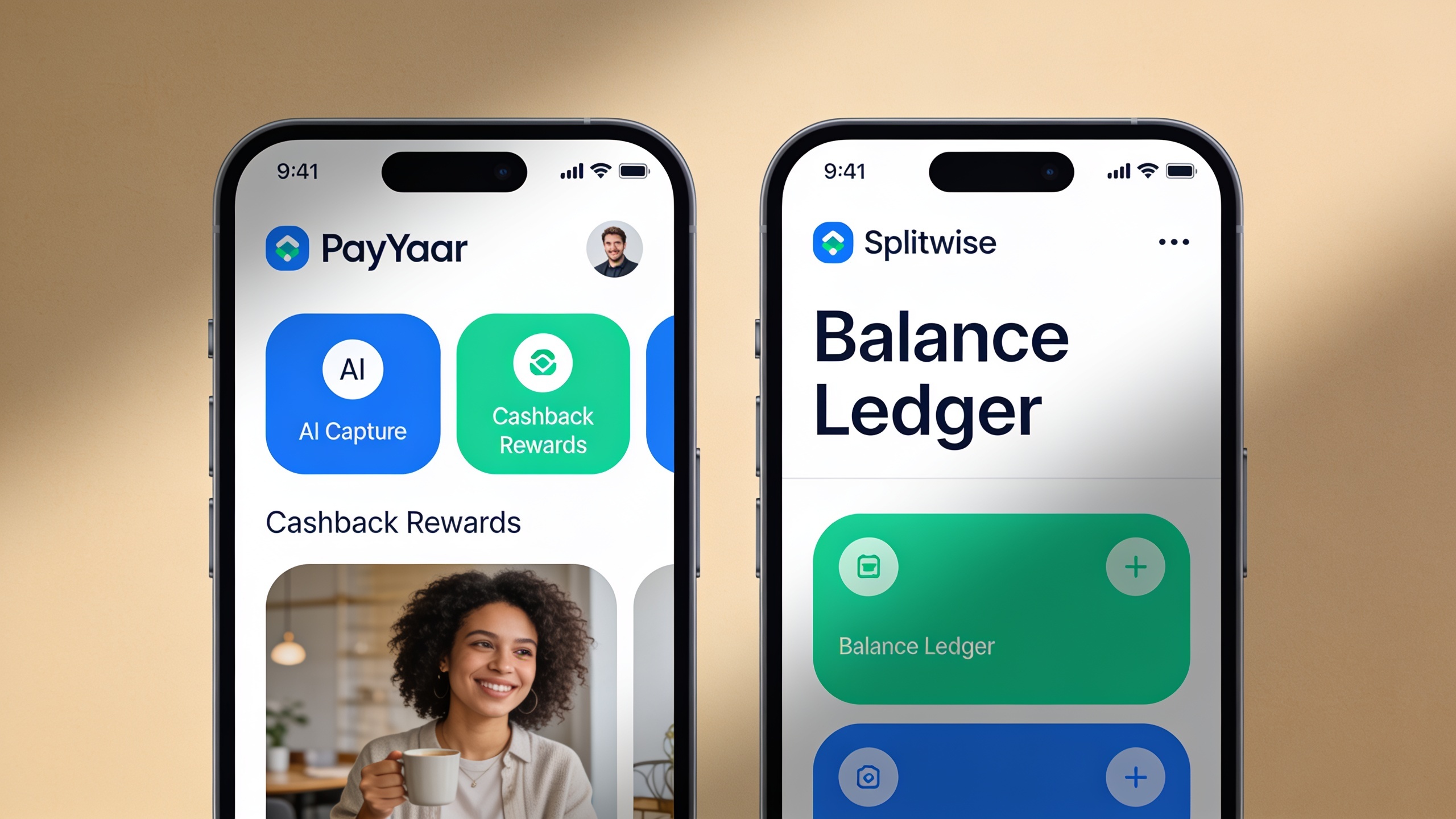
Nobody should need a spreadsheet, three group chats, and a running mental tally just to figure out who owes what after dinner. And yet, here we are. Both PayYaar and Splitwise exist to fix exactly that headache, and both do it reasonably well. So the question isn't really "which app is better" in some abstract, objective sense. It's which one actually fits the way you handle money, whether that's budgeting solo, wrangling roommate bills, or splitting a chaotic group trip where somebody always "forgets" to pay their share.
I've dug through what both apps publicly claim they do. Let's sort out which one makes sense for you.
Table of Contents
- What Is PayYaar?
- What Is Splitwise?
- PayYaar vs Splitwise: Core Feature Comparison
- AI Capture and Smart Expense Detection
- Cashback Rewards and Earning Potential
- Pricing: Which App Costs More?
- Ease of Use and Setup
- Who Should Use Which App?
- Frequently Asked Questions
What Is PayYaar?
PayYaar is a free, AI-powered expense tracker and bill-splitter for Android (iOS is still listed as "coming soon") that handles both your personal budget and group spending in one spot. What's interesting is that it doesn't try to be a payment processor at all. Instead, it sits on top of the payment apps you already use and acts more like a smart bookkeeper with a rewards feature bolted on.
According to its own feature list, the app is built around a handful of things. There's AI smart capture, which lets you log expenses by typing, talking, scanning a receipt, or sharing text from another app. There's item detection, where you snap a photo of your shopping and it estimates local unit market prices. It comes with AI Plan templates for different group types (Personal, Trip, Home, Couple, Roommates, Office, Event). It's got UPI settlement helpers that pop open your existing UPI app so you can actually pay people. And then there's the rewards angle: partner offers, coupons, and an in-app cashback currency.
One thing PayYaar is refreshingly upfront about, straight from its own FAQ: "PayYaar is not a bank or wallet. It does not hold money or process UPI payments itself." The actual money moves inside whatever UPI app you're already using. PayYaar just tracks who owes what and nudges you toward settling faster. That matters a lot for this comparison, because it tells you exactly what lane PayYaar is in. It's a smart ledger with a rewards engine, not a money-transfer service.
If you're a college student juggling rent, groceries, and split subscriptions with roommates, this kind of structured tracking hits a very specific nerve. There's a whole breakdown of that scenario in how college students can split rent and bills fairly.
What Is Splitwise?
Splitwise is one of the most recognizable names in the bill-splitting world, and it earned that reputation with a dead-simple idea: the running "who owes whom" balance. You add expenses, assign shares, and instead of tracking five separate IOUs between friends, the app crunches it all down to one clean number per person. That's the whole appeal, and it's a genuinely good idea.
Its core model has always leaned on manual (or semi-manual) expense entry, group creation for trips and households, and integrations with payment services so people can settle up. There's also a paid tier, usually called Splitwise Pro, that unlocks extra stuff beyond the free version. I'd check their current pricing and feature list directly on their site though, because those things shift over time and honestly weren't part of the source material I'm working from here.
For this comparison, the real distinction is almost philosophical. Splitwise is a balance-tracking ledger for groups, full stop. PayYaar frames itself as a broader AI-assisted expense tracker that happens to split bills too, and it throws cashback into the mix, which isn't a thing Splitwise is known for at all.
PayYaar vs Splitwise: Core Feature Comparison
Here's how the two stack up across the stuff most people actually care about. Where something isn't publicly confirmed for one app, I've flagged it rather than making something up.
| Feature | PayYaar | Splitwise |
|---|---|---|
| Platform availability | Android (free); iOS listed as "coming soon" | Widely available; check current app stores for platform details |
| Expense entry method | AI smart capture via text, voice, receipt scan, or shared text | Manual/app-based entry (specific input methods not covered in this comparison's source material) |
| Shopping price detection | Item detection estimates local unit market prices from photos | Not stated publicly |
| Group templates | AI Plan templates for Personal, Trip, Home, Couple, Roommates, Office, Event | Group creation supported; specific template categories not confirmed here |
| Settlement method | UPI settlement helpers that open your existing UPI app | Settle-up flows with third-party payment integrations (details not covered in this comparison's source material) |
| Cashback/rewards | Partner offers and pcoin cashback | Not stated publicly |
| Cost | Free to start | Free tier plus a reported paid subscription tier; exact pricing not confirmed here |
| Money handling | Does not hold funds or process payments itself | Not a bank; specific payment-handling role not detailed in this comparison's source material |
The table makes one thing pretty obvious. PayYaar's AI capture, item detection, and cashback are three clear points where it separates itself, based on its published features. Splitwise's mechanics in those same areas just aren't part of what I'm working from, so don't assume anything either way.
AI Capture and Smart Expense Detection
AI capture is where PayYaar veers hardest away from the old-school manual-entry model. It's PayYaar's term for adding expenses by typing, using your voice, scanning a receipt, or sharing text from another app, instead of punching in the amount, category, and split by hand every single time. If you've ever sat there re-typing a receipt line by line, you already know why this is appealing.

Sitting on top of that is item detection. You photograph your shopping (groceries, produce, clothes, electronics, whatever) and PayYaar identifies the items and estimates local unit market prices near you. In their own words: "PayYaar identifies them and estimates local unit market prices near you. You review quantity and rate, then add the items as expenses." And I'll give them credit here, because they're explicit that these are estimates, not scanned price tags. You're still the final check on quantity and rate. That honesty is worth something. The AI speeds things up, but it doesn't pretend to be perfect.
For grocery-heavy households or roommates splitting a giant weekly shop, this cuts a real chunk of friction out of itemizing who bought what. It pairs naturally with the kind of group tracking covered in 5 signs you need a bill-splitting app right now. Honestly, if you're already manually retyping receipts into a notes app, that alone is a sign your current system has outgrown the spreadsheet phase.
Splitwise's specific AI or scanning capabilities aren't in the source material I reviewed, so I can't do a fair feature-for-feature match on this one. If AI capture and item-level price detection are dealbreakers for you, go check Splitwise's current published features directly before you decide.
Cashback Rewards and Earning Potential
PayYaar bakes in a rewards layer that most bill-splitters don't even attempt: partner offers, coupons, and an in-app cashback currency called pcoin. So rather than just tallying who owes what, PayYaar's feature list actually lists "partner offers, pcoin cashback, and coupons" as core parts of the app. The idea is to turn your everyday tracked spending into a small ongoing reward loop instead of treating bill-splitting as pure bookkeeping.
This is probably the sharpest dividing line in the whole PayYaar vs Splitwise conversation. Splitwise's public identity is built around balance tracking and group ledgers. Cashback or rewards? Not something covered in the source material here, and I'm not going to claim Splitwise offers anything comparable when there's no basis for saying so. If earning a little something back from your group spending matters to you, PayYaar states a concrete offering and Splitwise's position is simply unconfirmed, not absent. Worth checking yourself if it tips the scale.
For a family tracking a household budget, or a friend group that splits expenses constantly across a whole year, those small recurring bits of cashback can actually add up in a way a pure ledger app was never designed to.
Pricing: How Much Do PayYaar and Splitwise Cost?
PayYaar is free to start on Android, and there's no subscription tier mentioned anywhere in its own published materials. The whole pitch is a free smart expense-and-bill-splitting tool, monetized through partner offers and cashback rather than by charging you a monthly fee. iOS is "coming soon," so there's nothing published yet on pricing or feature parity over on the Apple side.
Splitwise has long had a free base tier plus a separate paid subscription for people who want more. The exact current price and what each tier includes aren't part of my source material here, so I'm not going to cite dollar figures I can't back up. If price is your deciding factor, just go straight to Splitwise's official pricing page for the real, current numbers. Secondhand pricing on the internet ages badly.
What I can say confidently: PayYaar's free-to-start model plus the cashback angle means there's no confirmed upfront cost to trying it. That lowers the barrier for a group of roommates or trip friends to test-drive it before anyone fully commits.
Ease of Use and Setup
Ease of use in these apps really comes down to one thing: how fast can a group go from "okay let's use an app" to "everyone's expenses are actually logged correctly." PayYaar tries to skip a step here with its AI Plan templates, which are pre-built for common group types like Personal, Trip, Home, Couple, Roommates, Office, and Event. Instead of staring at a blank group and defining categories from scratch, you just pick the template that matches your situation and it builds a structure around that.
Put that together with AI smart capture and item detection, and the flow PayYaar describes goes something like: spin up a group from a template, add expenses using whichever capture method is fastest in the moment, glance over any AI-estimated item prices to make sure they're sane, then use the UPI settlement helpers to actually pay people through your existing app. Not bad.
Splitwise's onboarding and interface specifics aren't detailed in my source material, so I won't pretend to do a side-by-side on setup speed. But here's a fair point: Splitwise has been around long enough that its "add expense, assign shares, see balance" flow is second nature to a ton of people. And familiarity is its own kind of ease. If your whole friend group already has it installed and knows how it works, that's a real advantage, even if it's not a flashy one.
Who Should Use Which App?
The right pick here has less to do with which app is objectively "superior" and more to do with which feature set matches how you actually live. It comes down to AI-assisted capture and rewards versus a familiar, no-nonsense balance ledger.
Go with PayYaar if you'd rather talk, type, scan, or share text to log expenses instead of manually entering every transaction. It's also the better fit if you do lots of shopping-based group spending (groceries, household stuff) and want photo-based price estimates, or if a free app that can earn you a little cashback through partner offers sounds appealing. And if you're managing a bunch of different group types (trips, roommate houses, couples, office expenses, events) the ready-made templates for each are genuinely handy. Oh, and if you settle up over UPI, the in-app helpers that point you to your existing UPI app fit that habit nicely.

Lean toward Splitwise if you and your group already know and like its balance-tracking model from years of use. If all you want is a simple, established "who owes whom" ledger without any AI capture or price detection, that's exactly its wheelhouse. Just be ready to check its current paid tier directly on its site if you want the extras beyond the free version.
For college roommates specifically, the decision usually hinges on whether rent, utilities, and shared groceries all need to live in one tool or get scattered across several apps. That exact scenario gets unpacked in how college students can split rent and bills fairly. And if you're a family or friend group that's clearly outgrown a manual system, it's worth revisiting the tells laid out in 5 signs you need a bill-splitting app right now before you pick either one.
Frequently Asked Questions
Wait, does PayYaar actually move money like Splitwise's settle-up feature?
No. PayYaar's own FAQ says it flat out: "PayYaar is not a bank or wallet. It does not hold money, process UPI payments itself, or act as a bank." It's a bookkeeping and rewards-discovery tool, and its UPI settlement helpers just open your existing UPI app so you can complete the transfer yourself. Splitwise's specific settlement mechanics aren't in the material I reviewed, so I can't do a straight comparison there.
Is PayYaar really free, or is there a catch?
It's free to start on Android, with no subscription tier mentioned in its published feature list. It makes money through partner offers and pcoin cashback instead of charging you a plan. For Splitwise's current pricing, check their own site, since exact figures weren't part of my source material here.
What's this "item detection" thing, and does Splitwise do something like it?
Item detection lets you photograph your shopping (groceries, produce, clothing, electronics, all of it) and PayYaar identifies the items and estimates local unit market prices near you, which you can review and tweak before adding as an expense. Whether Splitwise has anything comparable isn't confirmed in my source material.
Can I get PayYaar on my iPhone?
Not fully, not yet. It's free on Android right now, and iOS support is listed as "coming soon" on the app's own site.
Which one's better for splitting rent with roommates?
Depends on whether you want AI-assisted entry with template-based setup or a simpler manual ledger. PayYaar has a dedicated "Roommates" AI Plan template plus AI capture for logging shared bills, which is nice for that use case. For a deeper dive on rent-splitting in general, see how college students can split rent and bills fairly.
---
So, PayYaar or Splitwise? It really comes down to what kind of group money management you want: a rewards-and-AI-assisted tracker that also splits bills, or a familiar, rock-solid balance ledger. Both solve the same miserable problem (nobody wants to be the friend chasing everyone down for cash), they just take different routes to get there. If AI capture, shopping price detection, and cashback sound genuinely useful for your day-to-day, PayYaar's free Android app is worth a test run before your next group trip, big grocery haul, or the inevitable roommate settle-up.